![blink-logo 1.png]](https://gotoblink.com/hs-fs/hubfs/blink-logo%201.png?height=40&name=blink-logo%201.png)
How default location notes work
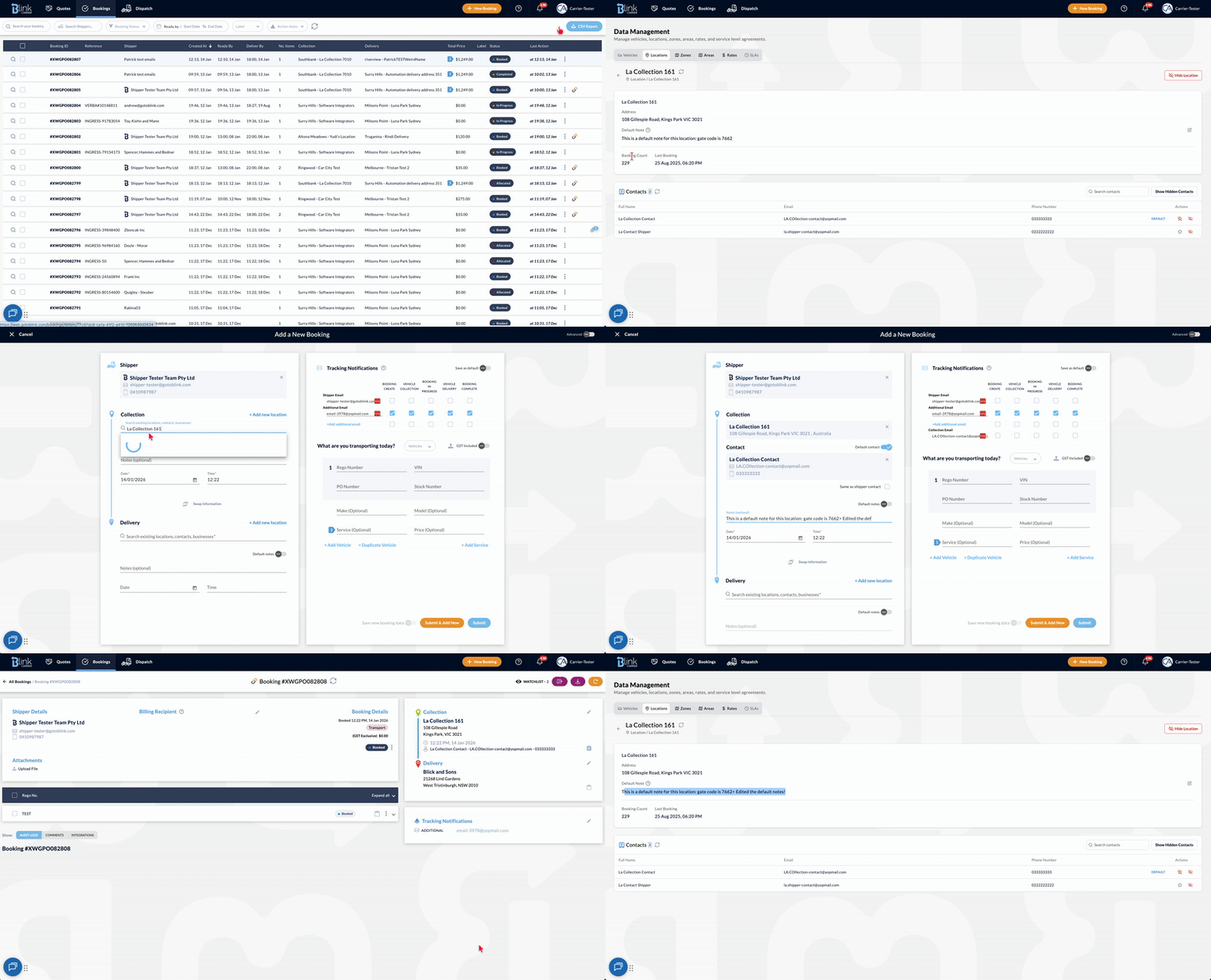
Default location notes can be set and managed in two ways:
From Data → Locations
-
Locations are managed in the Data section
-
Notes saved on a location are used as the default notes for that location
-
When the location is used in a booking, these notes are automatically applied
When creating a booking (IBF)
-
While creating a booking using the Internal Booking Form (IBF), you can add location notes
-
Using the “Set as default” toggle:
-
On → the notes are saved to the location and reused for future bookings
-
Off → the notes apply only to the current booking
-
Editing notes on a booking
-
Location notes on a booking can be edited from the booking details page
-
Editing notes on a booking does not update the saved default notes for that location